
Getting Started with Laravel Reverb: Real-Time WebSockets Made Easy
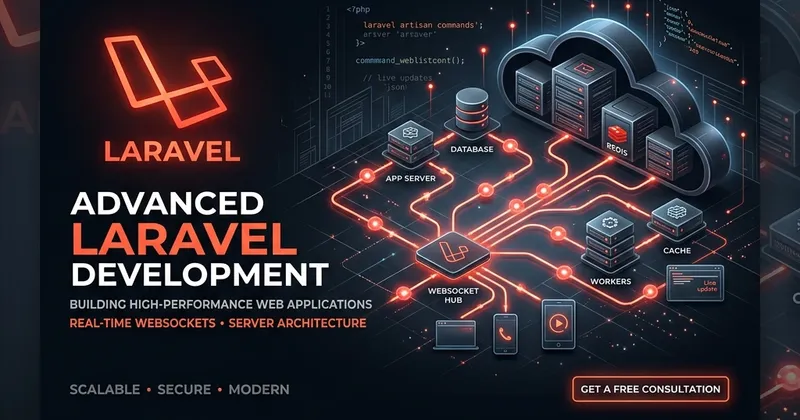
Historically, implementing real-time features (like chat, live notifications, or dashboard updates) in Laravel applications required setting up third-party SaaS tools like Pusher, or hosting self-hosted servers using Laravel WebSockets or Socket.io.
In 2024, the Laravel core team released Laravel Reverb, a first-party, blazing-fast, and highly scalable WebSocket server built specifically for Laravel applications.
Key Benefits of Laravel Reverb
- Native Integration: Reverb is configured directly from your terminal and works out of the box with Laravel Broadcasting.
- Incredible Speed: Powered by ReactPHP, Reverb is optimized for raw performance and asynchronous message loops.
- Pusher Compatibility: It uses the Pusher protocol under the hood. This means you can use your existing client-side library (like Laravel Echo) without any refactoring.
- Scalability: It has built-in support for horizontally scaling connections using Redis.
Installing and Running Reverb
To get started, you can install Reverb using Composer:
php artisan install:broadcastingDuring the installation process, Laravel will ask if you want to install and configure Reverb. Once you confirm, it will automatically pull in the dependencies, create the environment configurations in your .env file, and set up client-side assets.
To start the WebSocket server, simply run:
php artisan reverb:startBroadcasting an Event
Once Reverb is running, you can publish events to your clients by implementing the ShouldBroadcast interface on any Laravel Event class:
namespace App\Events;

use Illuminate\Broadcasting\Channel;
use Illuminate\Broadcasting\InteractsWithSockets;
use Illuminate\Contracts\Broadcasting\ShouldBroadcast;
use Illuminate\Queue\SerializesModels;

class OrderShipped implements ShouldBroadcast
{
    use InteractsWithSockets, SerializesModels;

    public function __construct(public $orderId) {}

    public function broadcastOn(): array
    {
        return [
            new Channel('orders'),
        ];
    }
}
On your frontend, listen to the channel using Laravel Echo:
Echo.channel('orders')
    .listen('OrderShipped', (e) => {
        console.log('Order processed:', e.orderId);
    });
Laravel Reverb makes building interactive, real-time web applications simpler and more cost-effective than ever before.