
Interactive Menu Navigation: Highlighting and Displaying Content Dynamically jQuery
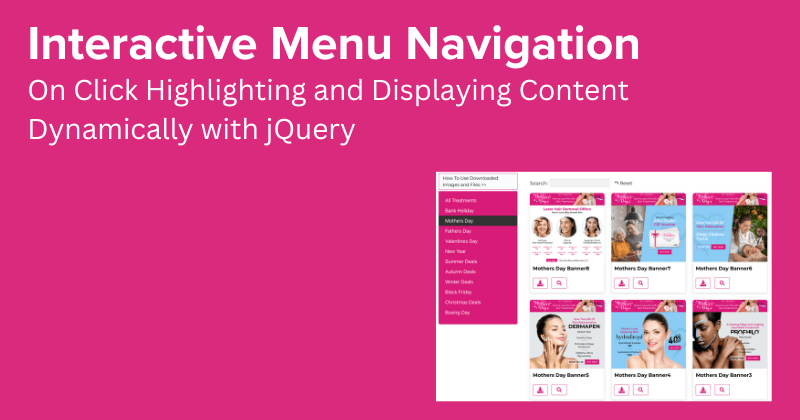
In today’s digital age, user engagement and seamless navigation are paramount for an enhanced web browsing experience. Interactive menu navigation stands at the forefront of this endeavor, offering users a dynamic and intuitive way to explore content.
By leveraging JavaScript and CSS, interactive menu navigation transforms static menu items into interactive elements that respond to user actions. One such functionality involves adding and removing the “active” class dynamically as users click on menu items, providing visual feedback and highlighting the selected option.
Furthermore, this interactive approach extends beyond mere visual enhancements. Coupled with the ability to dynamically display corresponding content blocks based on predefined attributes, such as data attributes, interactive menu navigation offers users a streamlined pathway to access relevant information.
In this digital landscape where user experience reigns supreme, interactive menu navigation emerges as a powerful tool, elevating website usability and engagement to new heights.
We can achieve this using jQuery. Here’s a code example to accomplish what we are going to achieve:
Explanation:
- When a
.menu_itemis clicked, we get itsdata-slattribute value. - We remove the “active” class from all
.menu_itemelements and add it to the clicked one. - We hide all
.content_blockelements and show the one with the matchingdata-slattribute value.
Make sure to include jQuery library before this script. Adjust the CSS classes and HTML structure according to your specific requirements.
In conclusion, interactive menu navigation is not only a fundamental aspect of modern web design but also a powerful tool for enhancing user experience, improving navigation flow, increasing engagement, and unlocking new possibilities for innovation and development in the digital landscape.
Thanks Enjoy!